
How many times have you had to send an email to multiple recipients for an important communication and realized that doing it manually would take too much time? It’s a common situation, but fortunately there are solutions that can simplify the entire process.
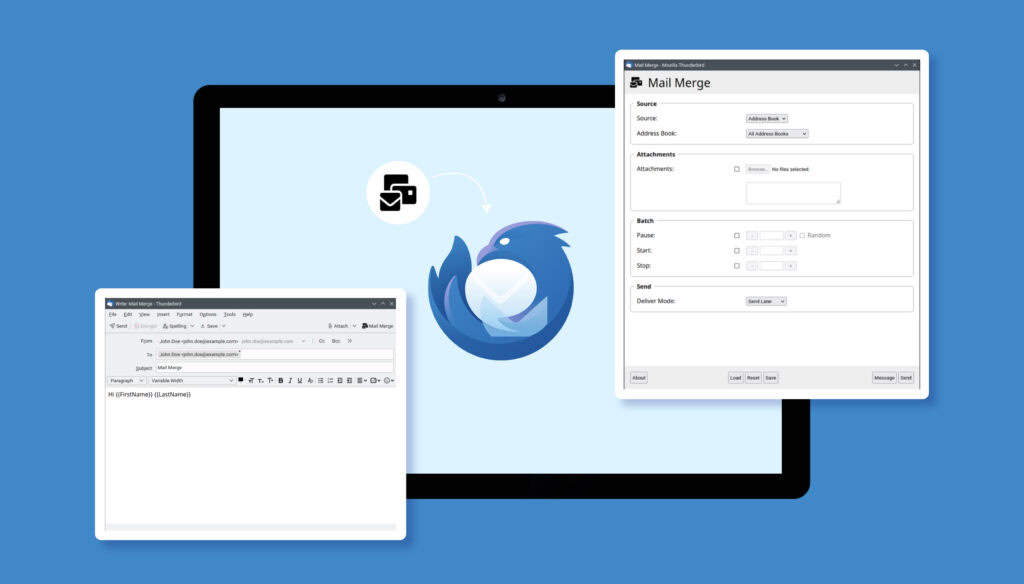
One of these is the use of Mail Merge, a plugin designed for the mass sending of emails, which integrates perfectly with Thunderbird, the well-known email client. Thanks to this tool, you can easily send emails to multiple recipients in a single send, but with an added advantage: you have the possibility to personalize each email based on the individual recipient. This means that your communication can be more effective and targeted, as each person will receive a message tailored just for them.
In addition, even if your email box has the limit of 250 messages every 24 hours (unless additional message sending options can bring the limit to 1.000, 2.000 or 10.000), this system allows you to exceed the restriction of 150 recipients per single send. The Mail Merge plugin sends each email as if it were individual, allowing you to bypass the limit and ensuring that your message reaches all contacts without issues.
With Mail Merge and Thunderbird, sending mail to multiple recipients has become not only simpler but also much more efficient, maintaining full control over your email inbox and send limits.
But how are email boxes configured?
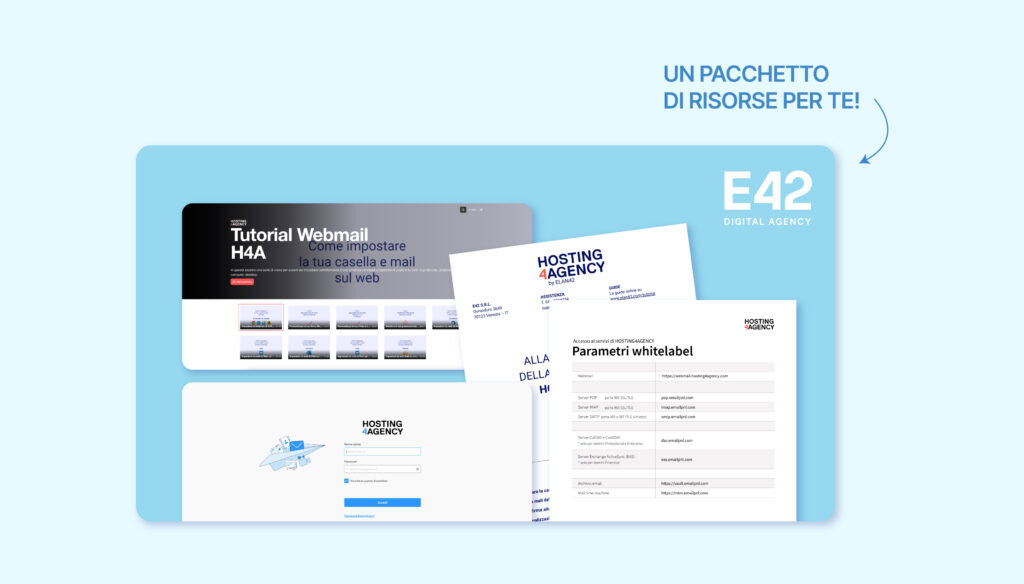
Configuring an email box is a simple process. You can access our webmail through this link:Webmail Hosting 4 Agency. The webmail also allows you to change the password and set up your public name upon first access.
We have prepared an updated guide for email client configuration, which you can consult here: Configuration Guide for Clients.
If you prefer to print the configuration parameters, you can download the printable version from this link: Configuration Parameters.
We have also created some Video Tutorial for configuring email boxes on every type of device. You can find them here: Video Tutorial.
With the resources we have provided, configuring your email inbox will be a simple and quick operation. Whether you prefer to follow a step-by-step guide or watch a video tutorial, we are here to offer you all the necessary support. Do not hesitate to contact us to manage your emails effectively.